
HEIC vs JPEG: Is Apple’s Format the Future (or Just a Better Camera Default)?
HEIC saves space and keeps quality, but JPEG still runs the world. Here’s what HEIC really is, where it wins, and when to convert.
Learn how file formats work, discover the best tools for your needs, and understand why client-side processing keeps your data 100% private.
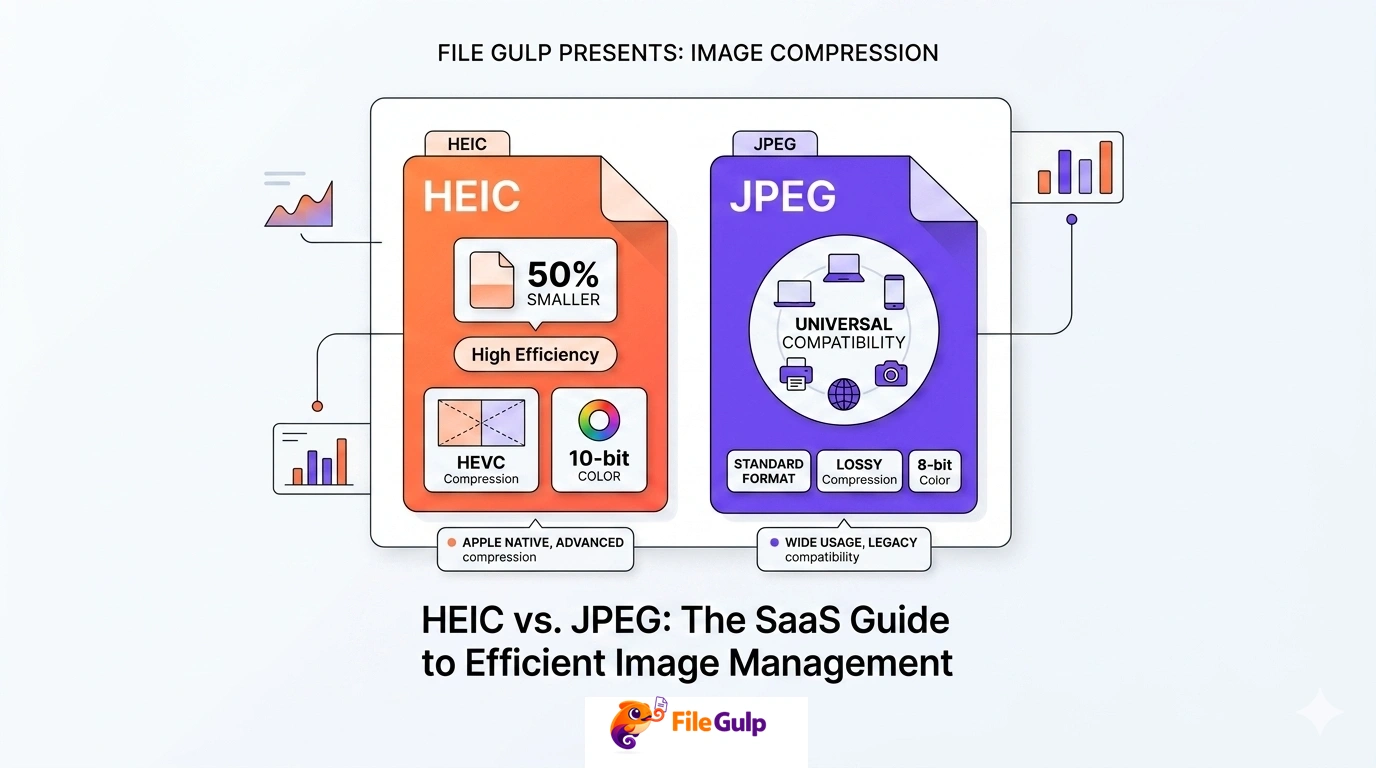
HEIC saves space and keeps quality, but JPEG still runs the world. Here’s what HEIC really is, where it wins, and when to convert.
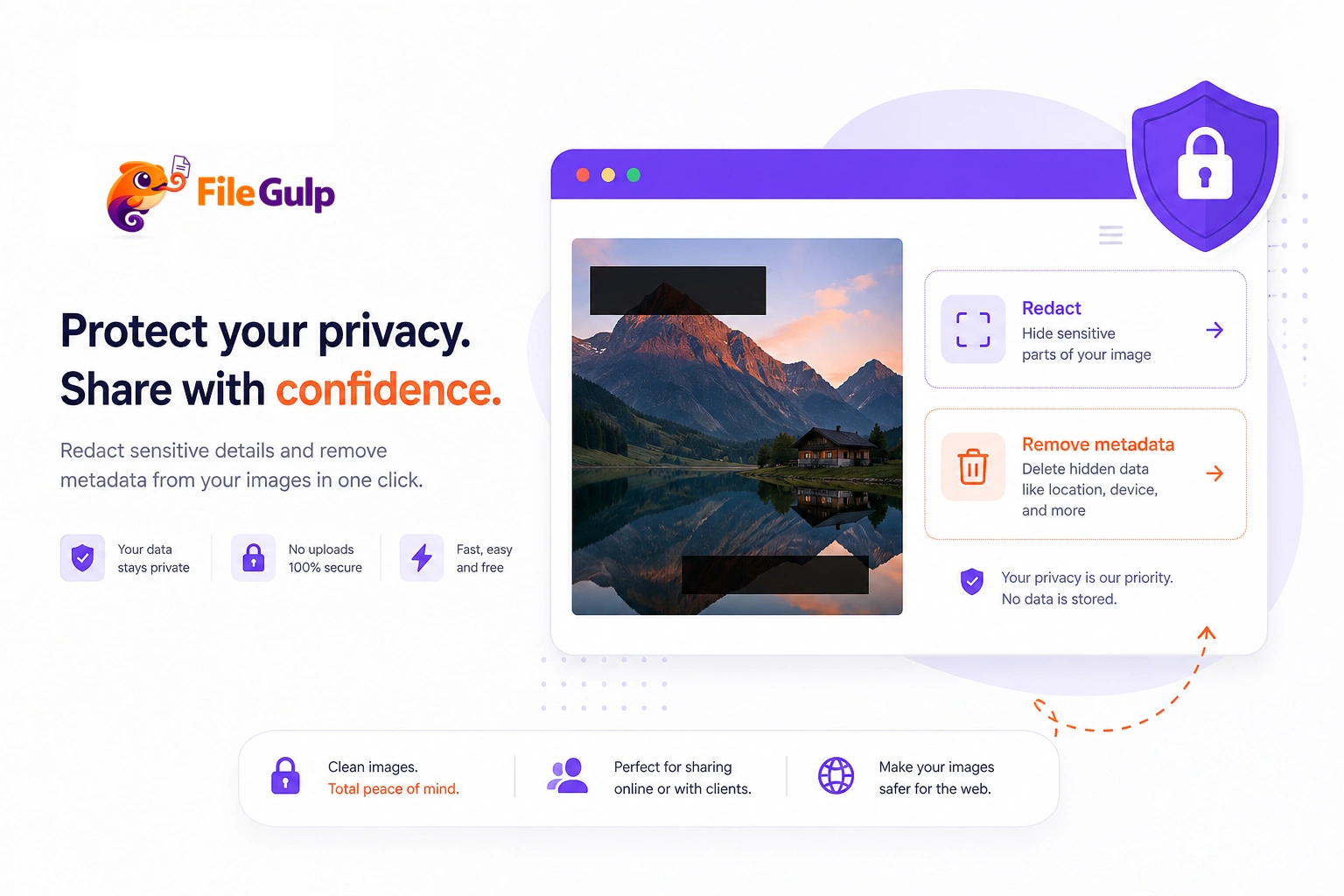
Before you post that innocent photo, read this. Learn how to spot hidden visible details, strip invisible GPS metadata, and share images safely.
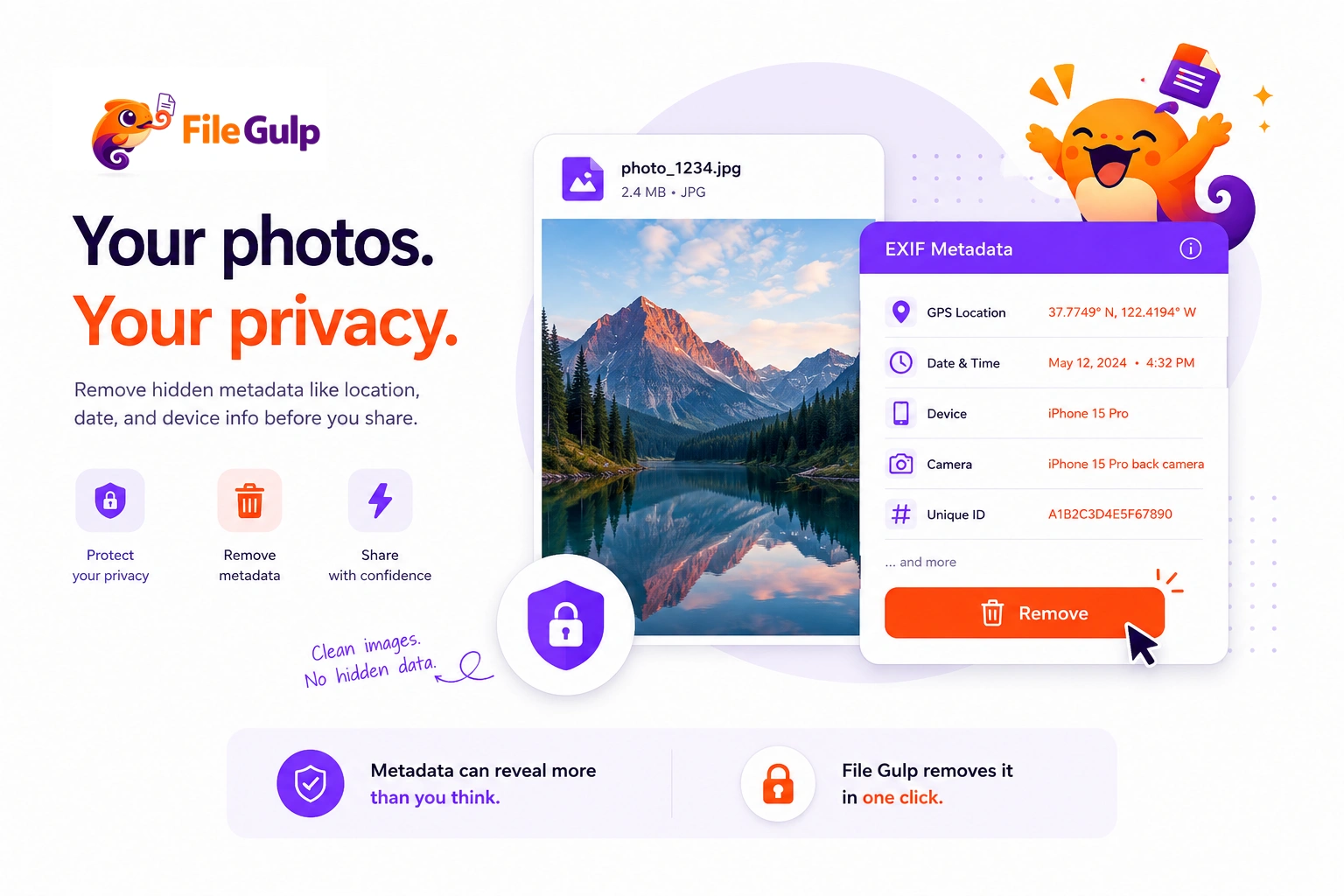
EXIF can reveal where and when a photo was taken. Learn what it contains, how to check it, and how to remove it safely.

DPI vs PPI explained with real examples for web, email, and print—plus simple calculations and practical resizing workflows.

Stop guessing dimensions. Learn the exact pixel sizes, formats, and simple workflows to resize images perfectly for fast websites and flawless emails.

A practical cropping guide for Instagram and Twitter: best aspect ratios, safe zones, and a simple workflow using File Gulp tools.

A deep, practical guide to image aspect ratios—how they work, which ones to use, and how to crop/resize without losing your subject.

Learn what lossy and lossless compression really change, when each is best, and a simple workflow for fast, clean images.
Confused about lossy versus lossless compression? Here is a clear, human guide to understanding how image compression works and which one you actually need.

Batch image compression made simple: resize, convert, strip metadata, and ship faster galleries and websites without ugly quality loss.
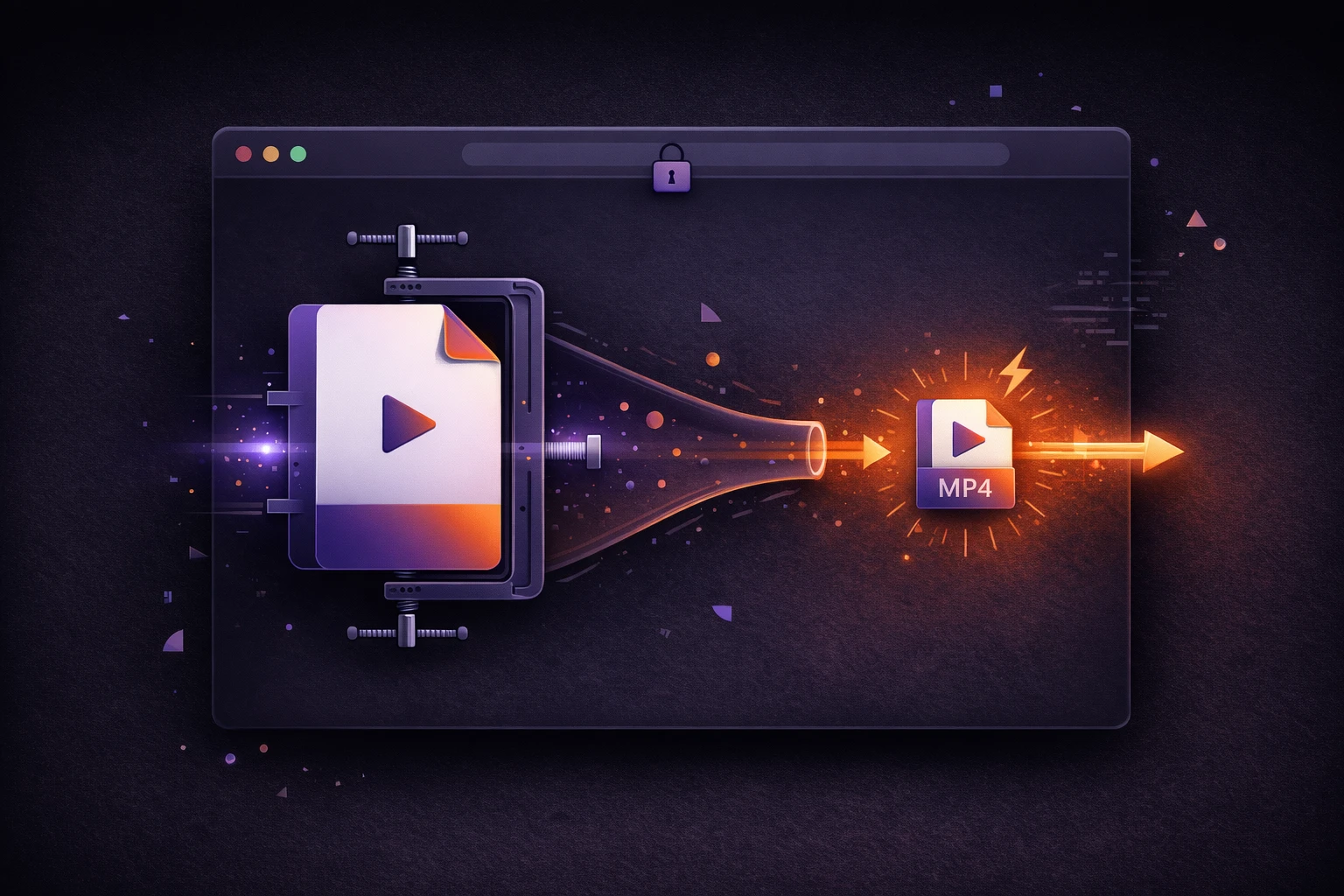
Tired of 'file too large' errors? Learn how to compress video files for faster sharing directly in your browser. Keep your videos private and skip the slow uploads.
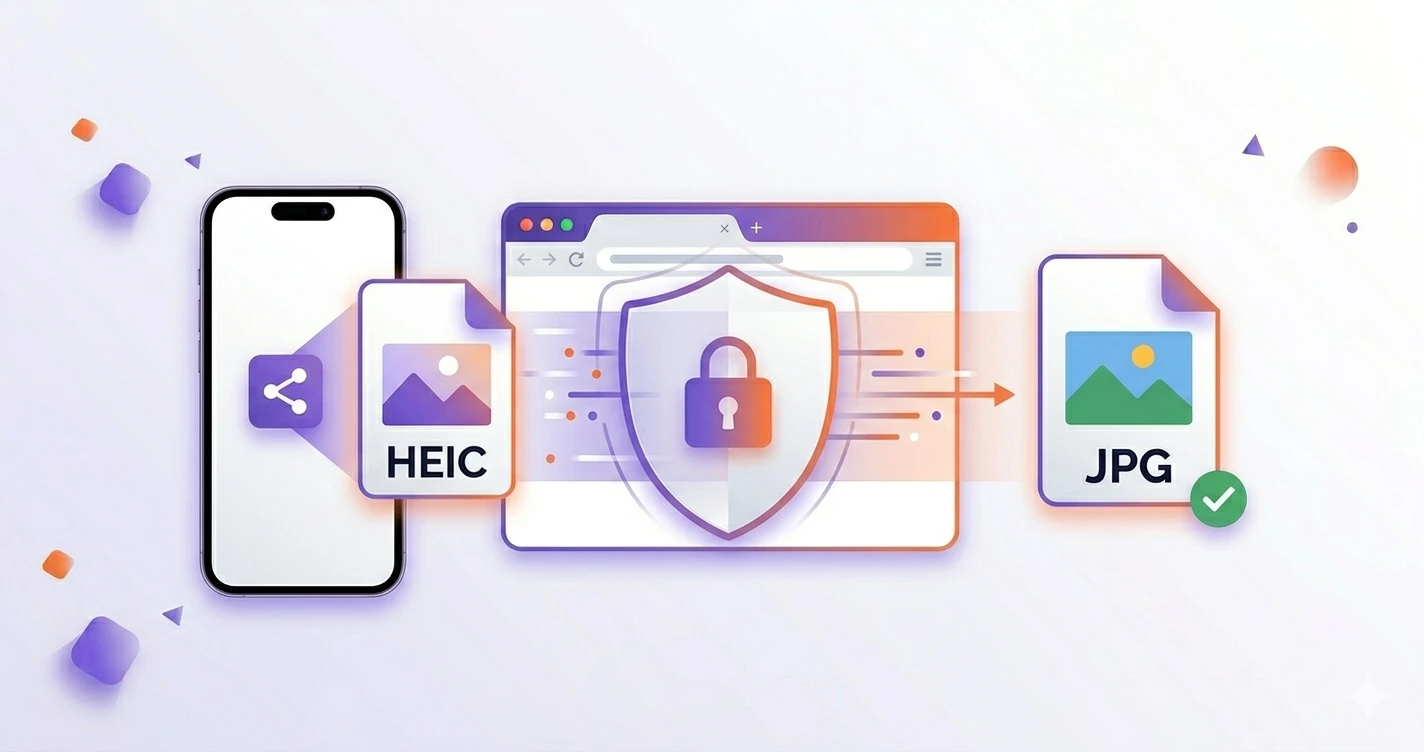
Stop getting 'Unsupported File Format' errors. Learn how to securely convert iPhone HEIC photos to universal JPGs directly in your browser, with zero uploads.
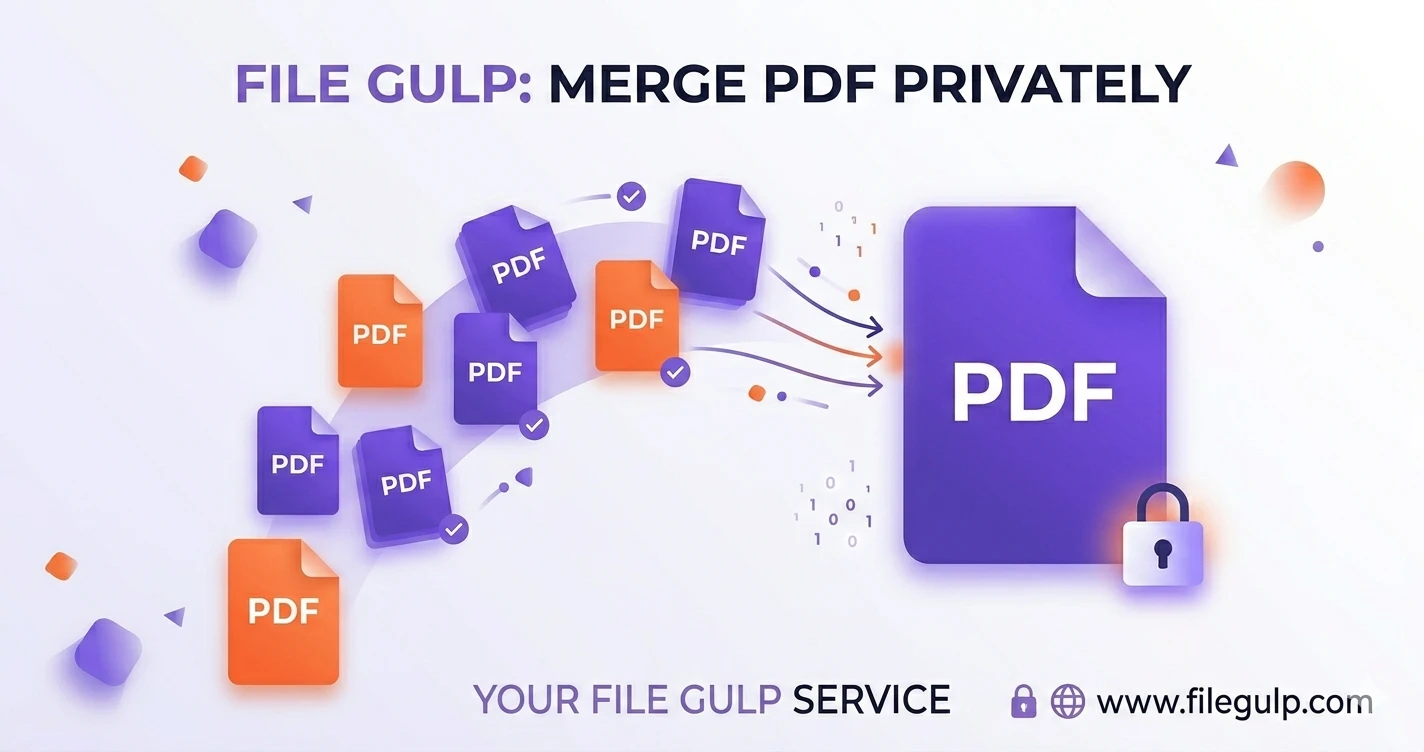
Merge PDF files in your browser—no uploads, no risk. Fast, private steps with pro tips and a comparison table.
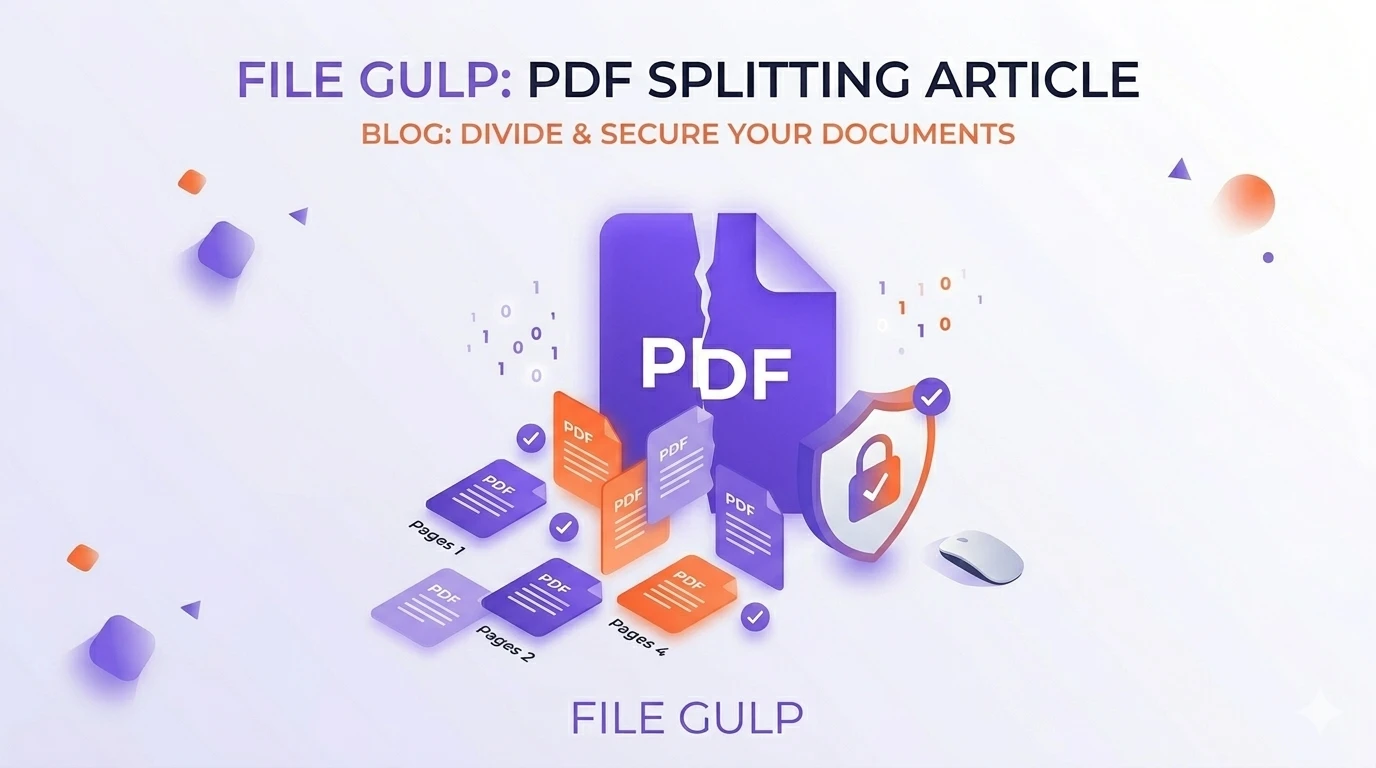
Don't upload sensitive contracts to random servers. Learn how to extract exact PDF pages directly in your browser, keeping your data 100% private and secure.
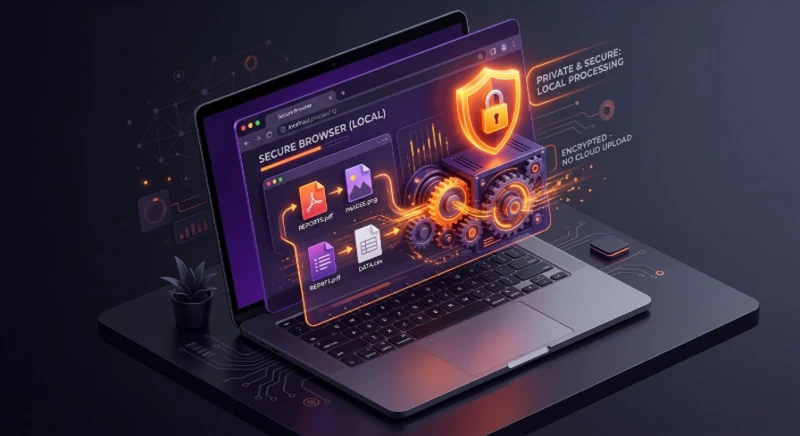
A clear, human-friendly look at how in‑browser processing keeps your files private, fast, and under your control—plus when server processing still makes sense.
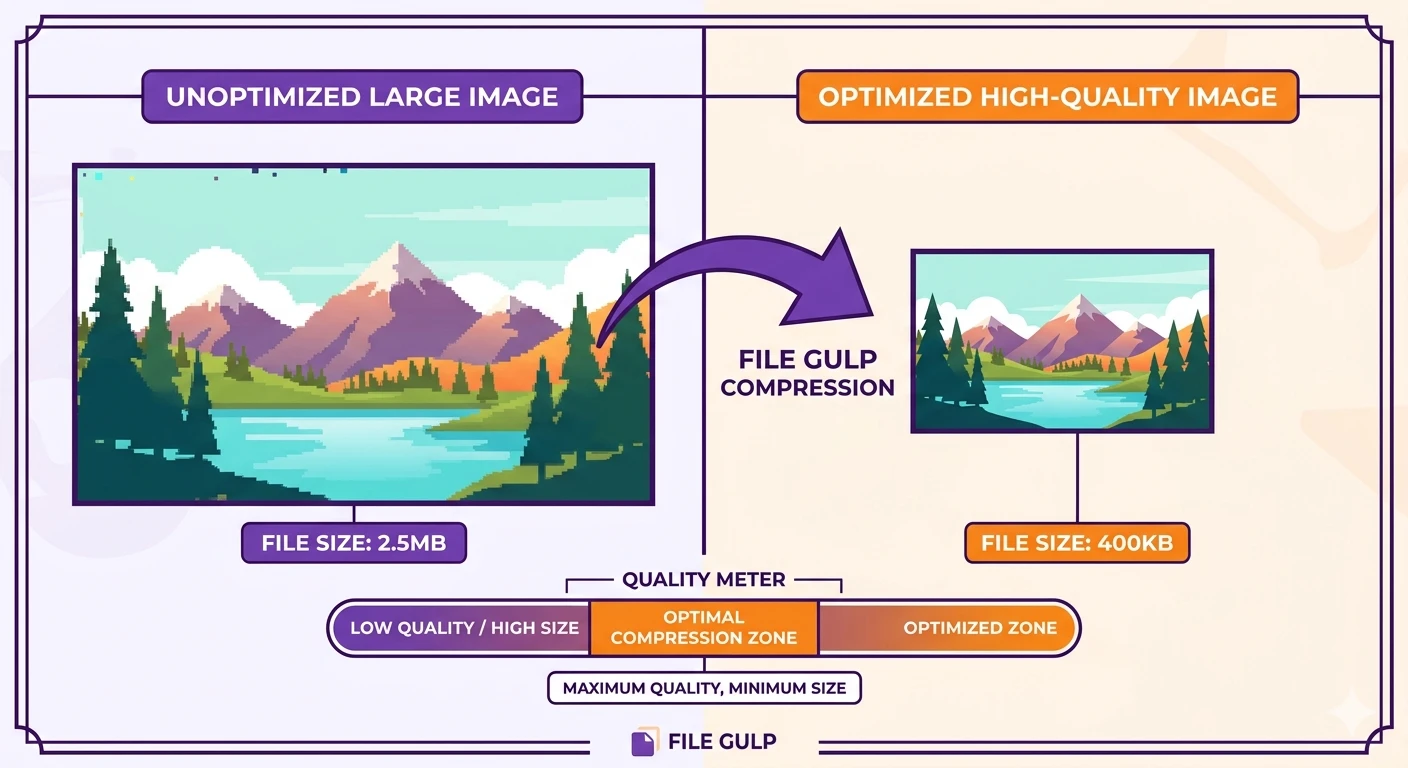
Find the perfect balance between crisp visuals and tiny file sizes. Learn why resizing matters, lossy vs. lossless, and how to compress images right in your browser.
Find the perfect balance between crisp visuals and tiny file sizes. Learn why resizing matters, lossy vs. lossless, and how to compress images right in your browser.
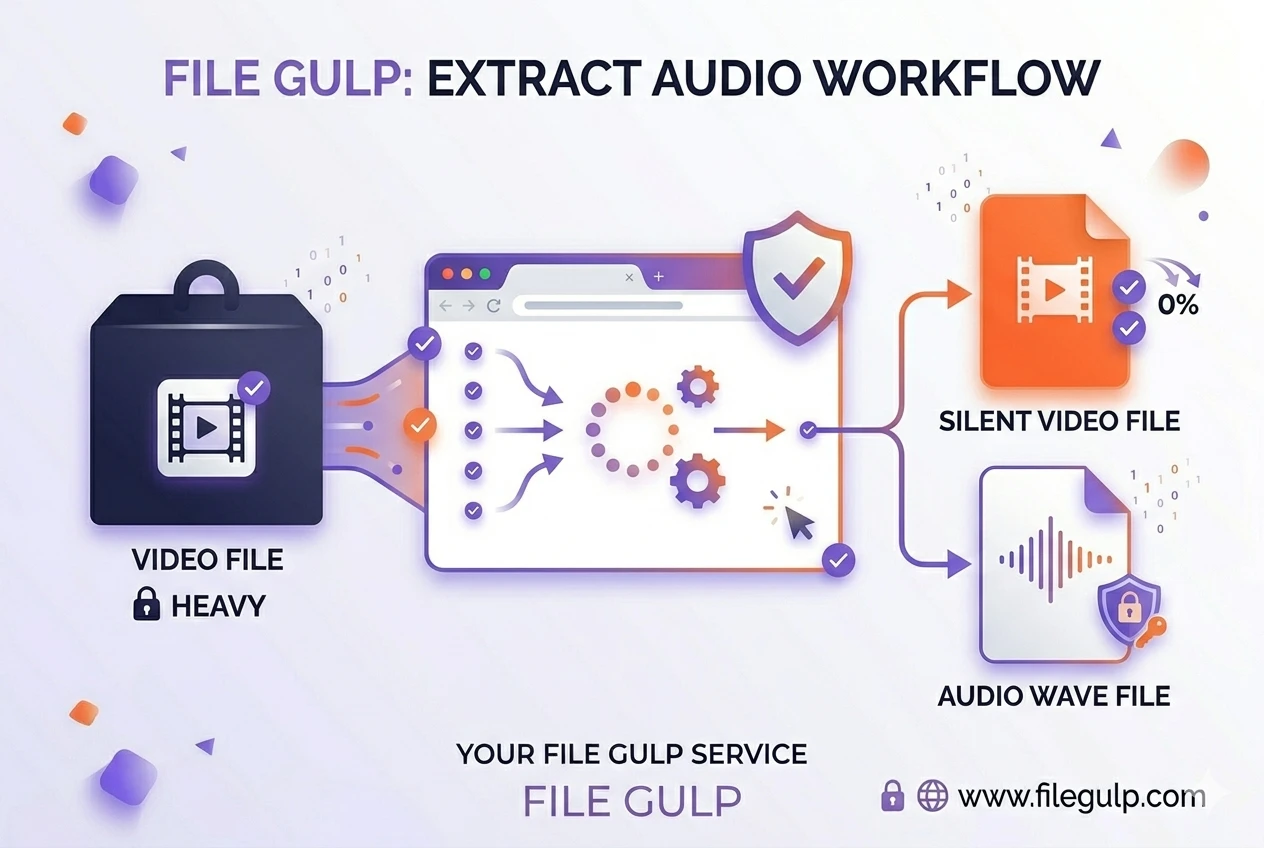
Extract audio from video locally—no uploads, instant, private. MP3/WAV/Opus tips, workflow, troubleshooting, and quick recipes.
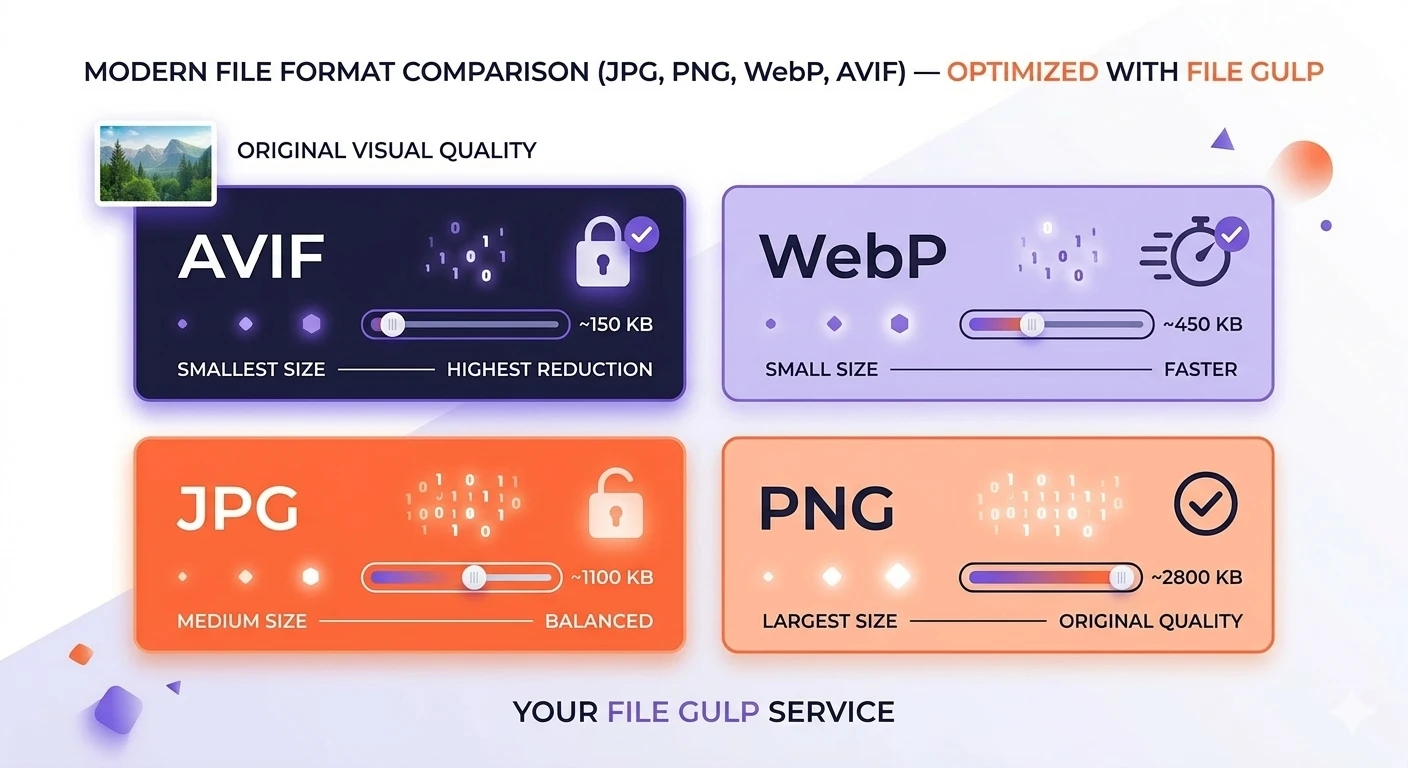
Stop second-guessing at the 'Save As' menu. Here's your practical, no-nonsense guide to picking the perfect image format for faster websites.